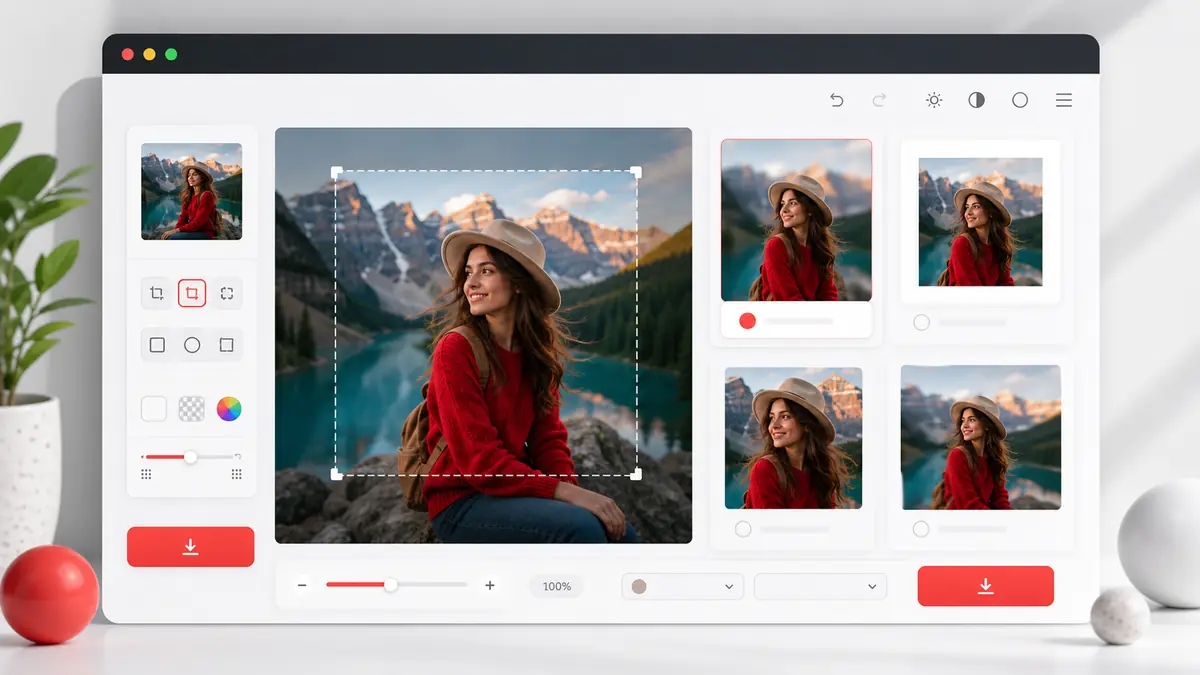
Square Image Generator
Convert any image to square format (1:1) instantly
Perfect for Instagram avatars, WhatsApp profile pictures, product images, and more
Drop your image here
or click to browse
Supports JPG, PNG, WEBP
Or press Ctrl+V to paste
Free · No watermark · Process locally
Why Use Square Image Generator?
📱 Perfect for Social Media
Instagram, WhatsApp, Facebook profiles require square images
🔒 100% Private
Your images never leave your device. Process locally.
⚡ Fast & Free
No signup, no watermark, instant results
🎨 Multiple Modes
Blur, color, resize, or crop - choose your style
Common Use Cases
Instagram Profile Picture
Recommended: 1080x1080px PNG with blur or crop mode for best results
WhatsApp Avatar
Recommended: 1080x1080px PNG with color or blur mode
Product Images
Recommended: 2048x2048px WEBP with white background for e-commerce
Frequently Asked Questions
How do I convert an image to square?
Simply upload your image by dragging, clicking, or pasting (Ctrl+V). Choose your preferred mode (blur, color, resize, or crop), adjust settings, and download your square image.
What is blur background mode?
The blur mode keeps your original image centered and intact while filling the background with a blurred version of your image. This creates a professional look without losing any content.
Is my image uploaded to a server?
No! All image processing happens locally in your browser. Your images never leave your device, ensuring complete privacy and faster processing.
What file formats are supported?
You can upload JPG, PNG, and WEBP images. Output formats include PNG, JPEG, and WEBP.
What size should I use for Instagram?
For Instagram, we recommend using 1080x1080px. This is the optimal size for both profile pictures and posts. You can select this preset in the download settings.